 Mirrord
Pricing
Free to use. $29 once for Pro.
Pro is for you, with no subscription: one purchase covers 2 of your computers, for as long as you use them, with a 14-day refund if it isn’t for you. Buying for a team? That’s Business.
Pro
$29 one time
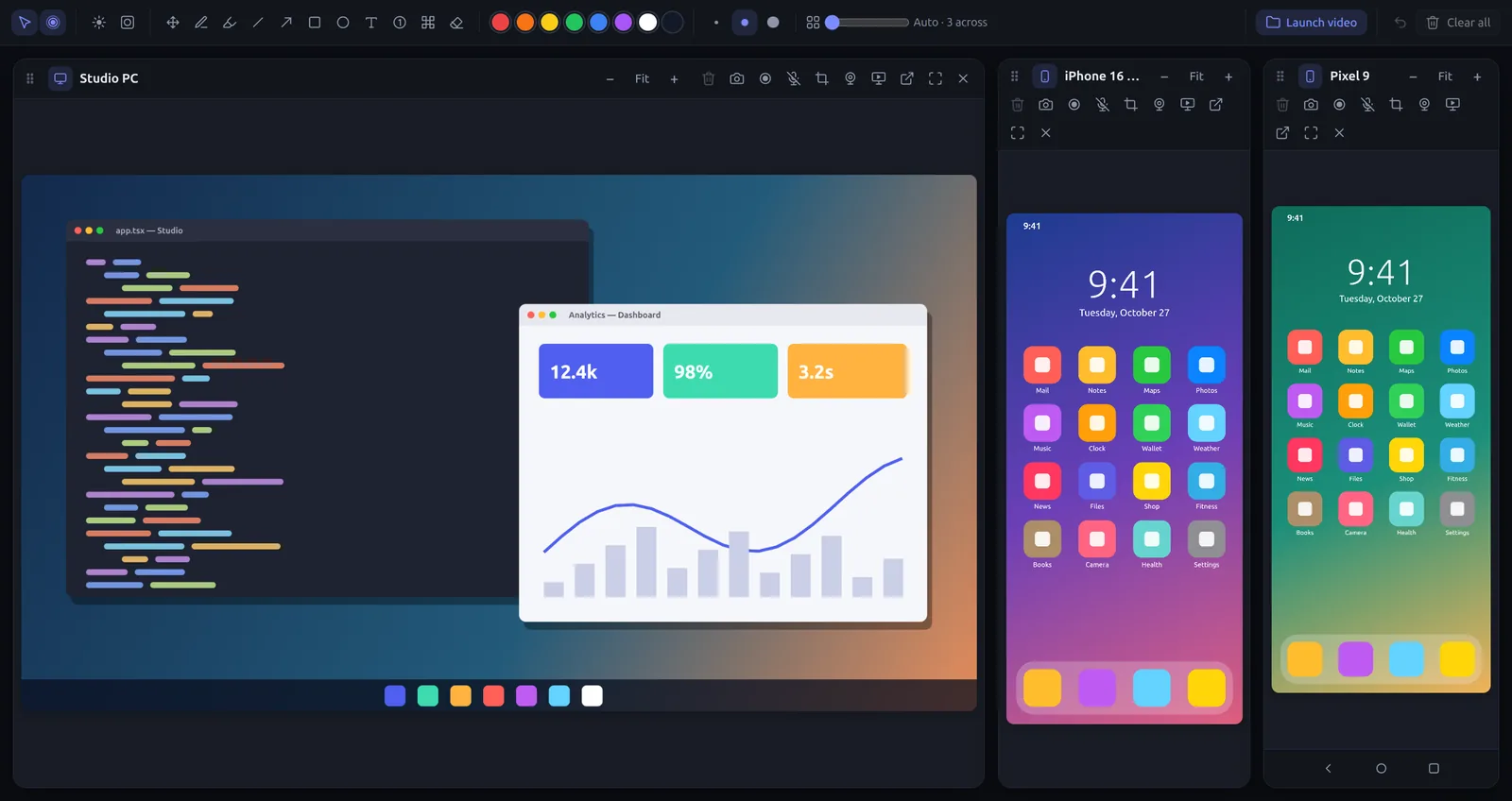
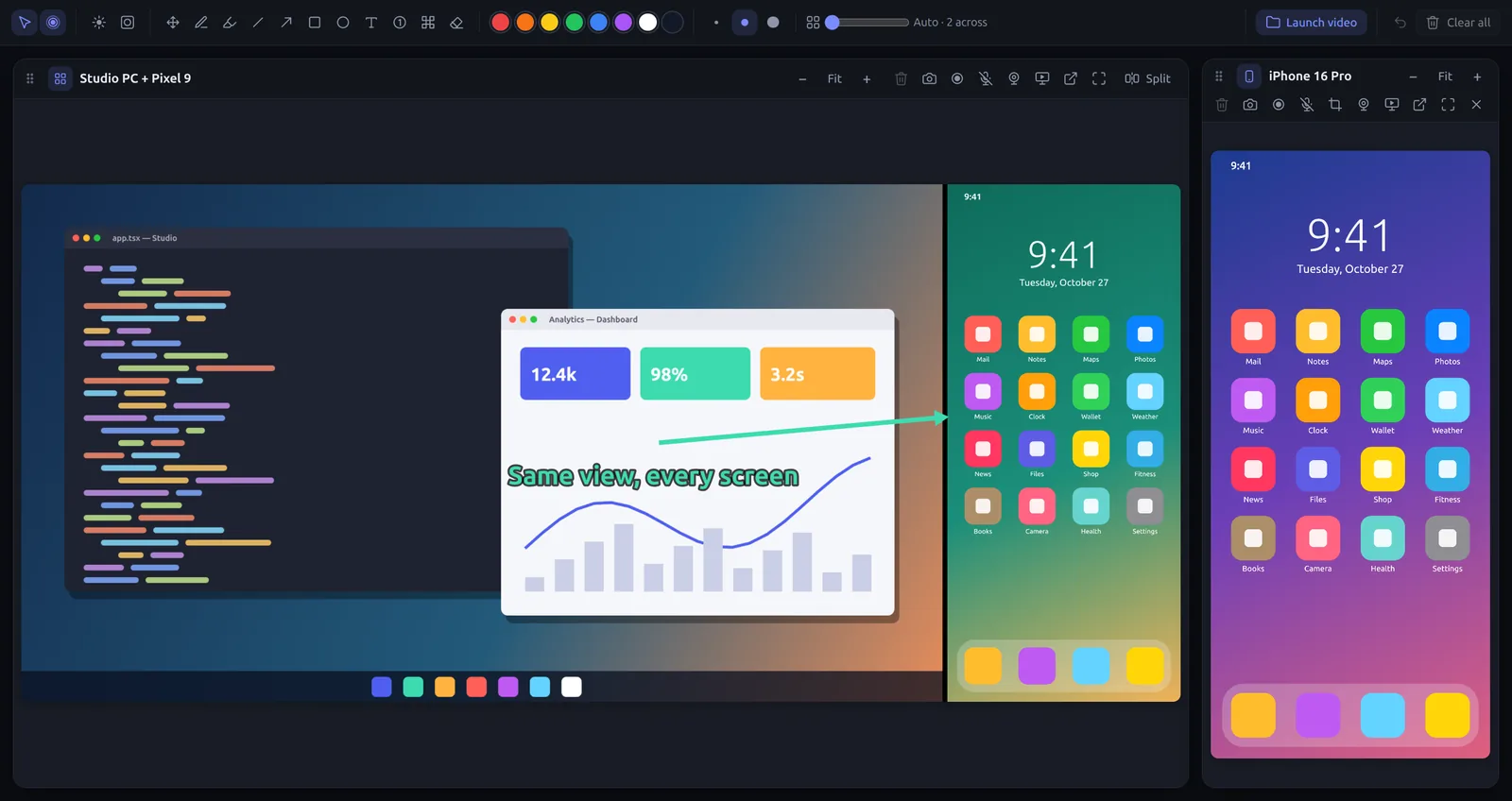
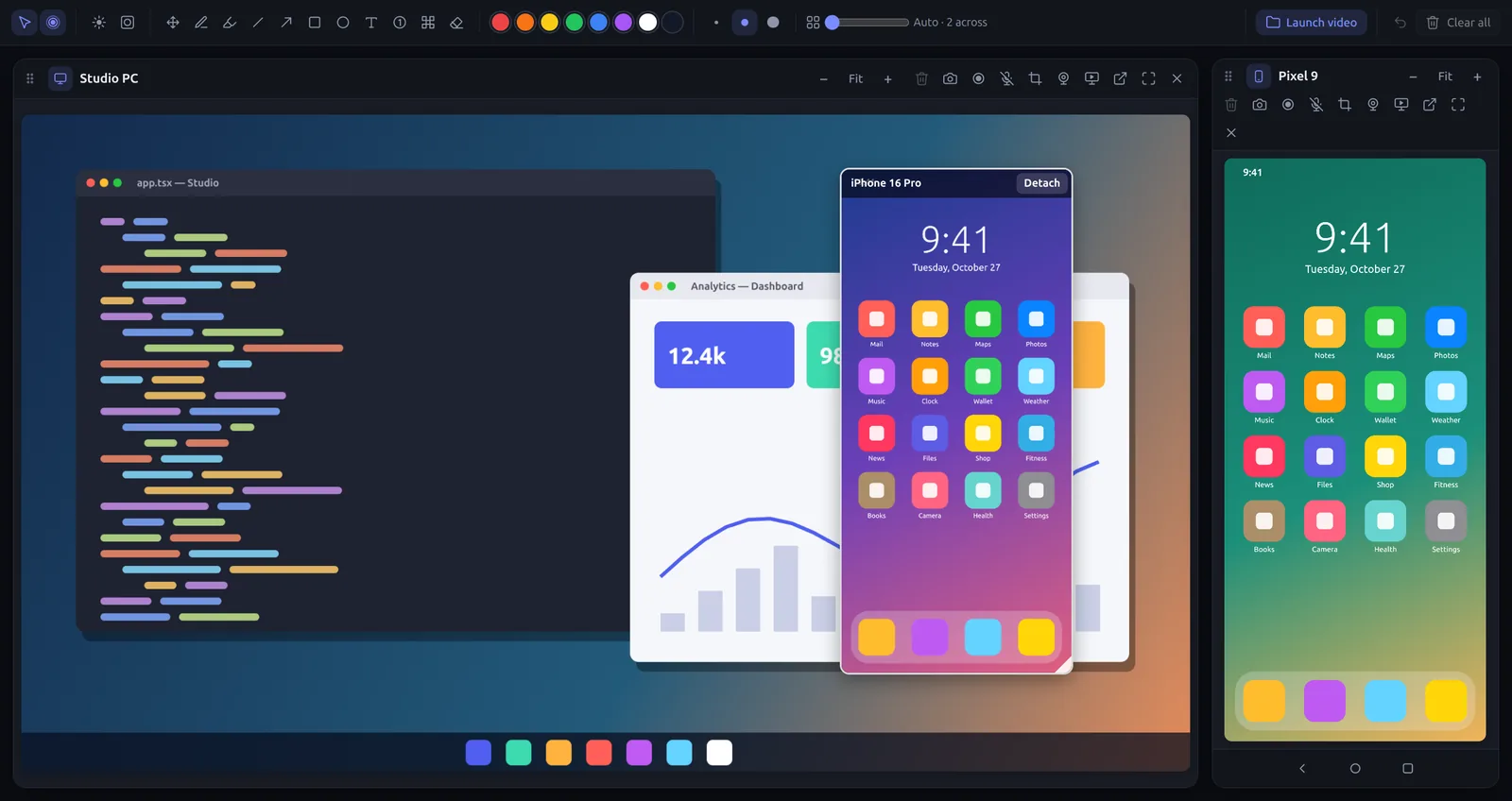
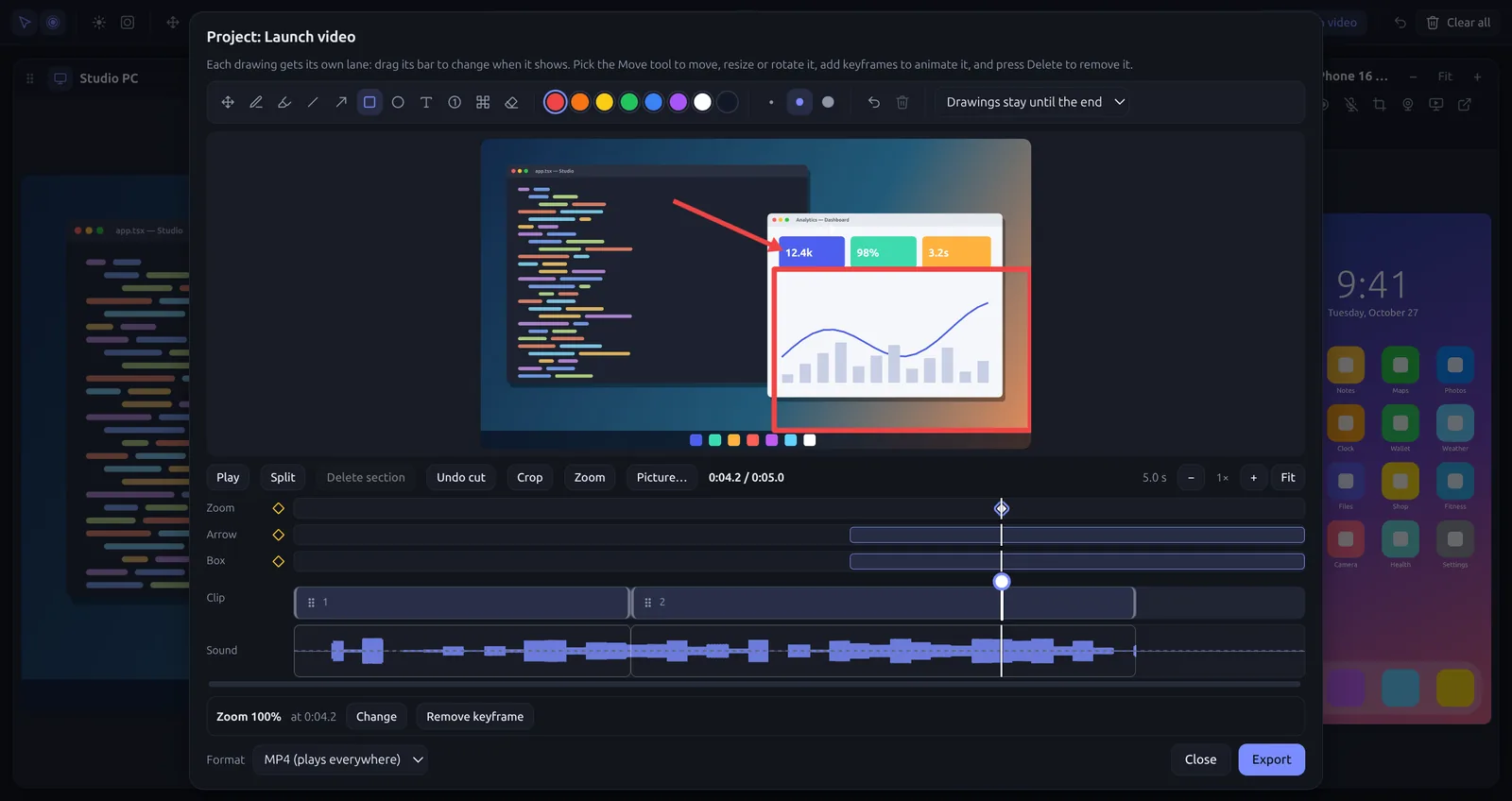
For demos, teaching and videos: more screens, more tools, no limits.
For one person · 2 computers · 14-day refund
Business
$49 a seat, a year
For companies and schools: give seats to your people, set up meeting rooms, and manage it all in one place.
Start a 14-day free trialFrom 3 seats · billed yearly · cancel any time
Student or teacher? Get everything in Pro for $19, for 4 years, with your school email.
Mirrord EducationWhat’s included
See Pro in action
How Pro works
1. Buy once
Sign in with Google or your email and pay with Stripe. Pro is tied to your account.
2. Activate
In Mirrord, open Settings → Mirrord Pro and sign in. That computer becomes Pro, and stays Pro offline.
3. Move it when you need
Use Pro on 2 computers. Moving it to a new one is a click in Mirrord or on your account page, once every 30 days.